Sponsored Job plans
Free
Included features:
- Include your post in search results
- Manage your candidates on Indeed
Standard
Everything in Free, and:
Visibility boost
Prioritize your Sponsored Job over free1 job posts in relevant search results, so it's seen by active job seekers.Automated messages
Connect with candidates when they apply to your job, are added to your shortlist, or you reject an application from the employer dashboard.- No long-term contracts
- You set the ad duration
Premium
Everything in Standard, and:
First page boost
Based on Indeed (US) data, Sponsored Jobs with a Premium plan appear in the top three search results 2X more often than Sponsored Jobs with a Standard plan. (Data claim: Indeed data (US))Invite matched candidates
Contact top matches on the Jobs page and invite them to apply.Urgently hiring label
Drive interested job seekers to apply right away by showing you're already actively reviewing candidates.Advanced matching
Unlocks access to our latest AI-powered matching, allowing you to reach more qualified candidates who fit your job description and hiring needs.
Premium Sponsored Jobs posted directly on Indeed get 90% more quality applications than non-Premium Sponsored Jobs. (Indeed data, US)Promote your brand
Stand out from the crowd by adding your logo and a company image to your job post.
Premium PlusBeta
Save hours sourcing and screening with AI-powered Recruiting Assistant.- 1. Terms, conditions, quality standards, and usage limits apply. Feature availability may vary by job and by market, and is subject to change at Indeed's discretion.
How pricing works: Indeed provides a recommended budget based on the criteria you provided, such as job title, location, and job description.
Compare all features
Free1 to post | Standard | Premium | Premium Plus Beta | |
|---|---|---|---|---|
| Job post visibility | ||||
Visible in search results | Included | Included | Included | Included |
Visibility boostPrioritize your Sponsored Job over free1 job posts in relevant search results, so it's seen by active job seekers. | Not included | Included | Included | Included |
First page boostBased on Indeed (US) data, Sponsored Jobs with a Premium plan appear in the top three search results 2X more often than Sponsored Jobs with a Standard plan. | Not included | Not included | Included | Included |
Advanced matchingUnlocks access to our latest AI-powered matching, allowing you to reach more qualified candidates who fit your job description and hiring needs.Premium Sponsored Jobs posted directly on Indeed get 90% more quality applications than non-Premium Sponsored Jobs. (Indeed data, US) | Not included | Not included | Included | Included |
Urgently hiring labelDrive interested job seekers to apply right away by showing you're already actively reviewing candidates. | Not included | Not included | Included | Included |
Promote your brandStand out from the crowd by adding your logo and a company image to your job post. | Not included | Not included | Included | Included |
| Candidate outreach | ||||
Indeed ApplyBoost application completion and reduce candidate drop-offs by letting candidates apply to your ATS jobs directly on Indeed. | Included | Included | Included | Included |
Email advertisingFeature your Sponsored Job in email notifications sent to relevant job seekers in our database. | Not included | Included | Included | Included |
Job seeker feedStand out on Indeed's homepage to job seekers who previously searched for jobs like yours. | Not included | Included | Included | Included |
Matched candidatesContact top matches on the Jobs page and invite them to apply. | Not included | Not included | Included | Included |
Automated InvitesYour instructions tell your Assistant who to automatically invite. Choose a daily max and when to pause.Beta | Not included | Not included | Not included | Included |
| Time-saving tools | ||||
Screening questionsSave time in your recruitment process by including qualifying questions in your job posting. | Included | Included | Included | Included |
AnalyticsAccess reporting to measure job post performance across key metrics, like impressions, clicks, and applications. | Included | Included | Included | Included |
Message templatesSchedule interviews using templated messages to contact candidates at scale. | Included | Included | Included | Included |
Automated messagesConnect with candidates when they apply to your job, are added to your shortlist, or you reject an application from the employer dashboard. | Not included | Included | Included | Included |
SMS messagesYour messages get delivered by text to candidates who have SMS messaging turned on. | Not included | Not included | Included | Included |
Application scores and summariesSee a Smart Fit Score (0-100) and candidate summaries based on your criteria, highlighting fit, strengths, and areas to review.Beta | Not included | Not included | Not included | Included |
License and certification gatheringApplicants can provide additional information and upload images for your selected licenses or certifications.Beta | Not included | Not included | Not included | Included |
AI-powered follow-up questionsAI-powered Recruiting Assistant converses with candidates as they apply to deliver deeper insights.Beta | Not included | Not included | Not included | Included |
Free1 to post
- Indeed ApplyBoost application completion and reduce candidate drop-offs by letting candidates apply to your ATS jobs directly on Indeed.
- Screening questionsSave time in your recruitment process by including qualifying questions in your job posting.
- AnalyticsAccess reporting to measure job post performance across key metrics, like impressions, clicks, and applications.
- Message templatesSchedule interviews using templated messages to contact candidates at scale.
Standard Sponsored Jobs
- Visibility boostPrioritize your Sponsored Job over free1 job posts in relevant search results, so it's seen by active job seekers.
- Email advertisingFeature your Sponsored Job in email notifications sent to relevant job seekers in our database.
- Job seeker feedStand out on Indeed's homepage to job seekers who previously searched for jobs like yours.
- Automated messagesConnect with candidates when they apply to your job, are added to your shortlist, or you reject an application from the employer dashboard.
Premium Sponsored Jobs
- First page boostBased on Indeed (US) data, Sponsored Jobs with a Premium plan appear in the top three search results 2X more often than Sponsored Jobs with a Standard plan.
- Advanced matchingUnlocks access to our latest AI-powered matching, allowing you to reach more qualified candidates who fit your job description and hiring needs.
Premium Sponsored Jobs posted directly on Indeed get 90% more quality applications than non-Premium Sponsored Jobs. (Indeed data, US) - Urgently hiring labelDrive interested job seekers to apply right away by showing you're already actively reviewing candidates.
- Promote your brandStand out from the crowd by adding your logo and a company image to your job post.
- Matched candidatesContact top matches on the Jobs page and invite them to apply.
- SMS messagesYour messages get delivered by text to candidates who have SMS messaging turned on.
Premium Plus Sponsored JobsBeta
- Automated InvitesYour instructions tell your Assistant who to automatically invite. Choose a daily max and when to pause.
- Application scores and summariesSee a Smart Fit Score (0-100) and candidate summaries based on your criteria, highlighting fit, strengths, and areas to review.
- License and certification gatheringApplicants can provide additional information and upload images for your selected licenses or certifications.
- AI-powered follow-up questionsAI-powered Recruiting Assistant converses with candidates as they apply to deliver deeper insights.
- 1. Terms, conditions, quality standards, and usage limits apply. Feature availability may vary by job and by market, and is subject to change at Indeed's discretion.
FAQ
Yes. Many jobs can be posted for free, subject to Indeed's terms, conditions, quality standards, and usage limits. Feature availability for Free job posts is limited and is subject to change at Indeed's discretion. It should be noted that some jobs are considered “sponsored only,” which will be made clear in the product. Some examples of job postings that may require sponsoring include: jobs aggregated directly from a career site or company website, published jobs from a data feed (e.g., XML, API), or published jobs from an Applicant Tracking System (ATS). Indeed reserves the right to require that a job must be sponsored for any reason.
The minimum price will appear on the product sponsorship page and will depend on several factors, including available job seekers in your market, similar job posts bidding for priority placement, the type of Sponsored Jobs plan you select, among others.
The Standard price is generated based on Indeed's recommendation system, which takes into account market factors such as job competitiveness, your hiring timeline and the supply of job seekers for specific job titles, among other factors.
The Premium price is set above the Standard price to help ensure more applications from quality candidates quickly compared to Standard Sponsored Jobs. This way, your Premium Sponsored Job is competitive against similar roles on Indeed.
No. You're free to set a different amount as long as it meets the minimum required for that job.
You'll be billed on the first day of the month or when your account spending reaches $500—whichever comes first. Your invoice will reflect the amount spent on job seeker interactions like clicks or started applications from the previous billing period.
You can make changes to the Sponsored Job budget from the employer dashboard by selecting “Manage Budget” from the job list.
Access to Matched Candidates through Premium Sponsored Jobs is limited to a specific job and can be accessed through your Candidates tab in the employer dashboard. Premium Sponsored Jobs also have a daily Matched Candidate contact limit. For access to additional contacts that can be used across all jobs, consider a Smart Sourcing subscription.
No. Premium Sponsored Jobs contacts will not be deducted from your Smart Sourcing contact credits.
Hire more and faster.
Do your high-volume hiring all in one place.
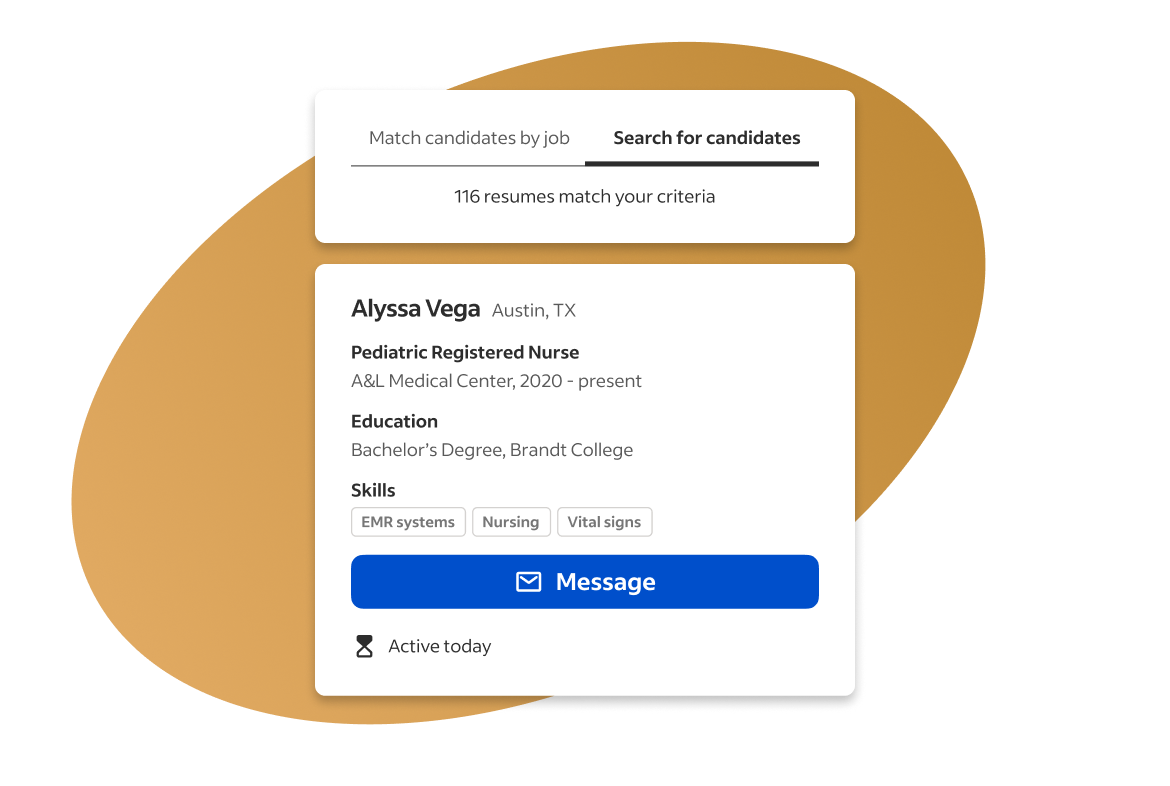
Search resumes to find and connect with the right candidates
Indeed Smart Sourcing helps you find and connect with the right candidates instantly by combining the power of built-in matching technology with the ability to search resumes.